> For the complete documentation index, see [llms.txt](https://know.rendernetwork.com/llms.txt). Markdown versions of documentation pages are available by appending `.md` to page URLs; this page is available as [Markdown](https://know.rendernetwork.com/getting-started/using-the-render-network-manager-app-and-render-network-api/differential-uploads-via-the-render-network-manager-app.md).
# Differential Uploads via the Render Network Manager App
Guide to using Differential Uploads to accelerate your workflow
### Overview
Differential Uploads (DU) in the **Render Network Manager App** are designed to dramatically reduce upload times when iterating on scenes.
Instead of re-uploading entire projects for every revision, the Manager App analyzes what has changed between versions and uploads **only the deltas** - new or modified files - while reusing everything already present on the Render Network.
This guide focuses **specifically on using Differential Uploads through the Render Network Manager App**, which is the recommended workflow today for most users.
***
### Requirements
Before using Differential Upload, make sure the following requirements are met:
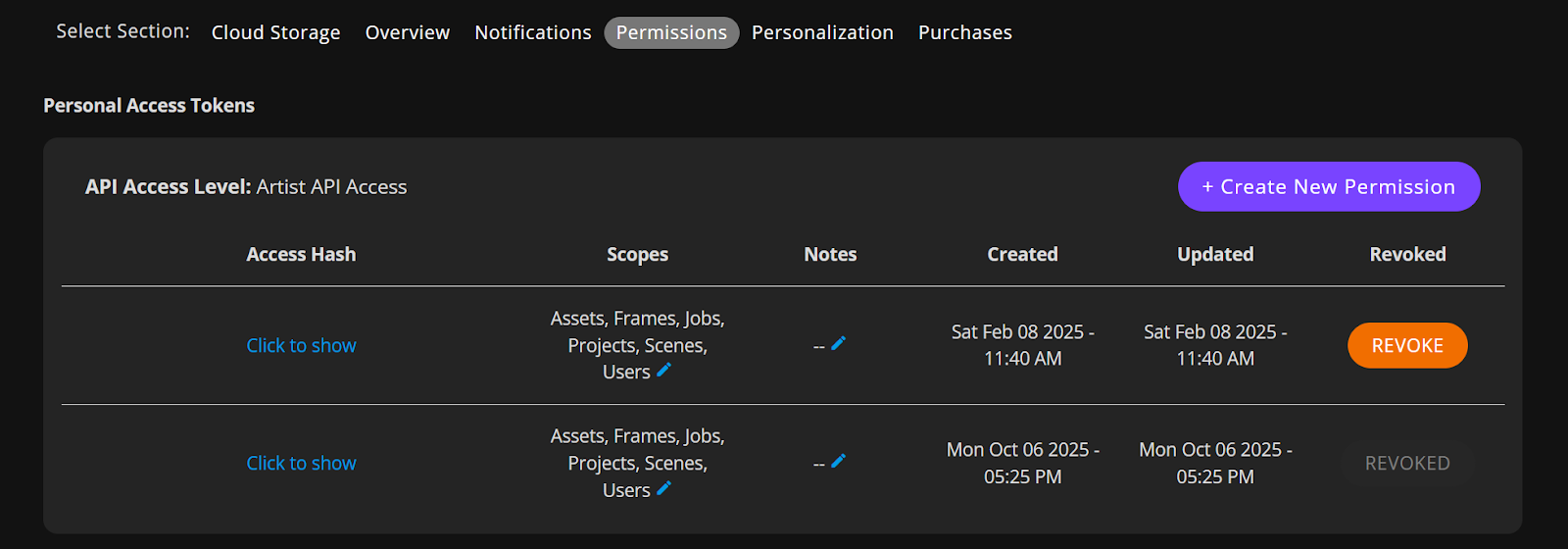
* Render Network account with Render API access [enabled](https://know.rendernetwork.com/getting-started/using-the-render-network-manager-app-and-render-network-api/render-network-api-access)
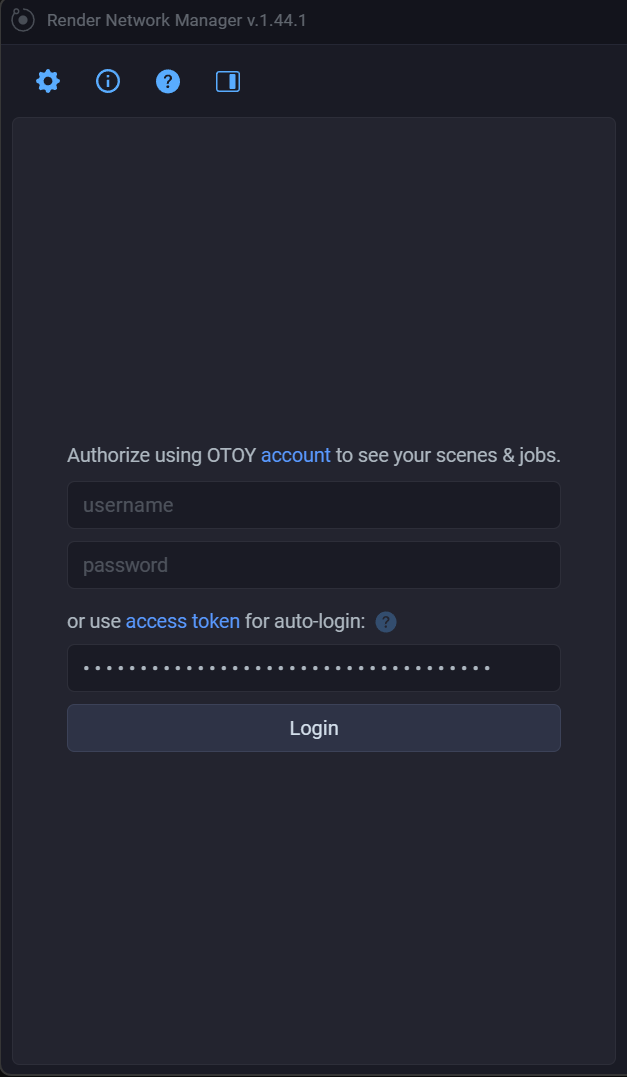
* Render Network Manager App (upload and job management unlocked)
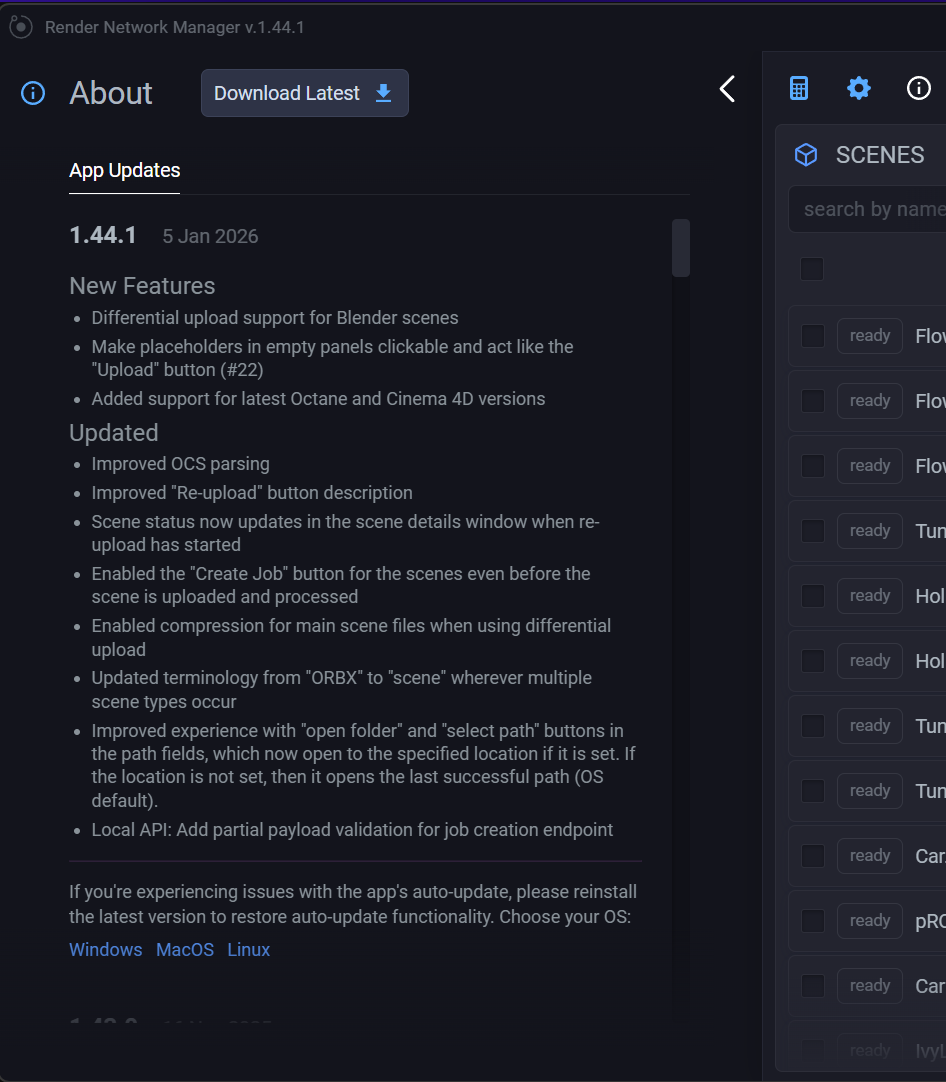
* Latest version of the Manager App installed
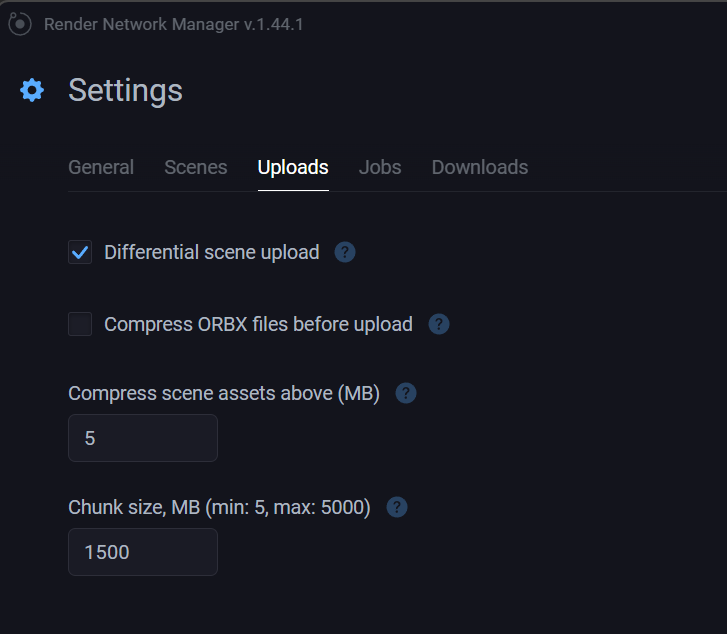
* Differential Upload enabled in Manager settings
API access is required to enable upload and job management features in the Manager App.
***
### What Differential Uploads Actually Do
When you submit a scene through the [**Render Network Manager App**](https://know.rendernetwork.com/getting-started/using-the-render-network-manager-app-and-render-network-api), the system:
* Hashes scene files and referenced assets
* Identifies unchanged assets already stored on the Render Network
* Uploads only:
* New assets
* Modified assets
* Updated scene descriptions (camera changes, light tweaks, material edits, etc.)
This means iteration becomes faster with each pass.
***
### Supported DCC Workflows (Important Distinction)
#### Cinema 4D + Octane
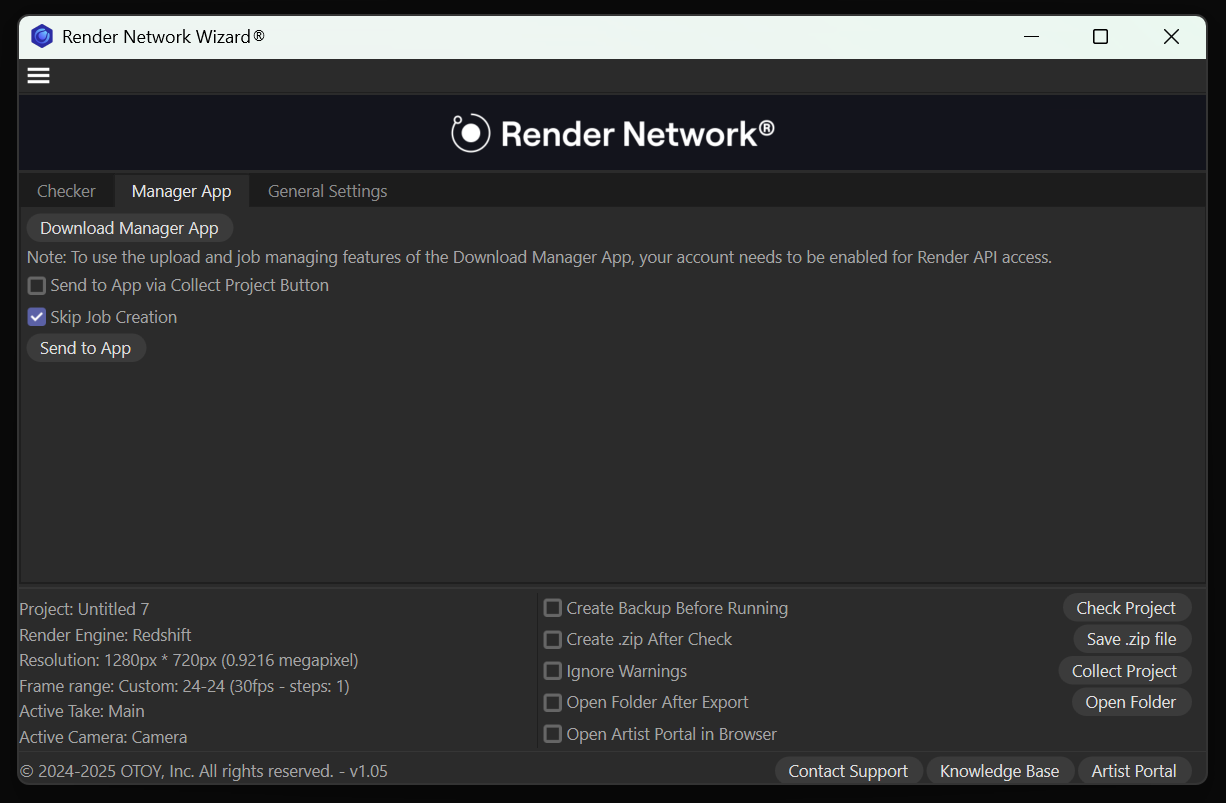
Cinema 4D users have access to the [**Octane C4D Wizard**](https://know.rendernetwork.com/getting-started/cinema-4d-on-render-network-guide/c4d-wizard-plug-in), which integrates directly with the Manager App. The Wizard allows you to:
* Validate scenes before upload (preflight)
* Automatically collect and package dependencies
* Submit scenes directly to the [**Render Network Manager App**](https://know.rendernetwork.com/getting-started/using-the-render-network-manager-app-and-render-network-api)
* Benefit from Differential Uploads automatically
***
#### Blender (Current State)
Blender does **not** yet have a dedicated Wizard.
Blender users typically submit jobs by:
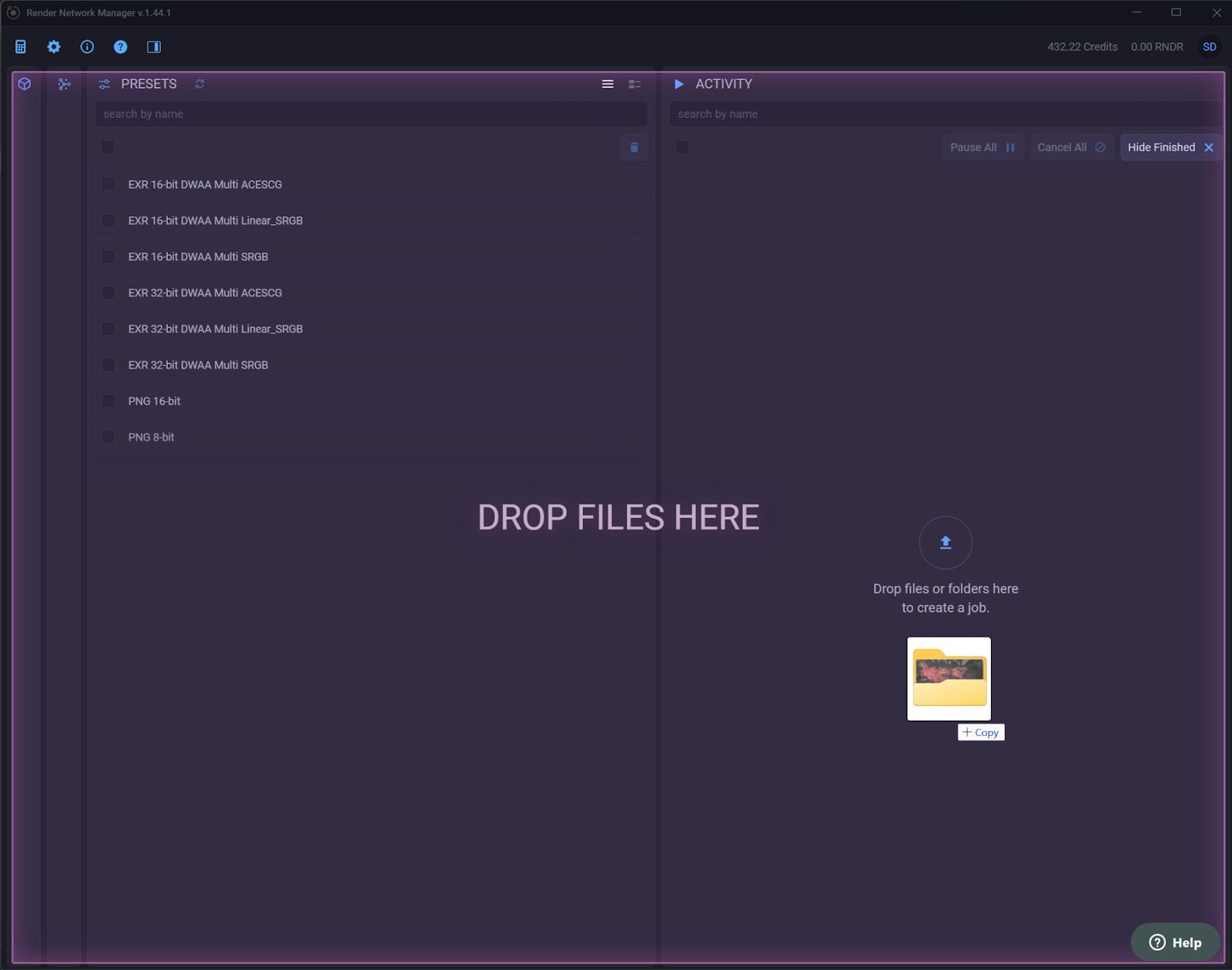
* Dragging a **folder** of assets into the Manager App, or
* Dragging a **zipped archive** into the Manager App
Once uploaded, Differential Upload behavior still applies exactly the same way - the Manager App compares assets across versions and only uploads changes.
***
### Case Study: Flower Scene Iteration
This real-world example demonstrates how Differential Uploads accelerate iteration.
| Scene | Upload Type | What Changed | Data Uploaded | Processing | Upload Time | Notes |
| ------------ | ------------------------- | --------------------------------------------------------------------- | ------------- | ------------------------------------- | ----------- | ------------------------------------------------ |
| Flower Red | Initial upload (baseline) | All assets (geometry, Alembics, textures, HDRI, materials, animation) | \~9 GB | Scene collection + preprocessing | \~10 min | Establishes asset baseline on the Render Network |
| Flower Blue | Differential upload | Scene file only (camera + material color changes) | \~2–3 MB | \~3 sec local asset scan & comparison | \~2 sec | Geometry, Alembics, textures, HDRI reused |
| Flower Green | Differential upload | Scene file only (lighting + color variation) | \~2–3 MB | \~3 sec local asset scan & comparison | \~2 sec | Smooth iteration while previous versions render |
***
### Why This Matters Beyond a Single Machine
Differential Uploads are **Render Network-wide asset intelligence**, not local caching.
Once assets are uploaded:
* They are available across:
* Different computers
* Fresh OS installs
* Different locations
* They persist across all supported render engines
* Octane
* Redshift
* Blender Cycles (where applicable)
As long as the same assets are referenced, the Render Network recognizes them and avoids re-uploading. This effectively turns the Render Network into a **global asset cache**.
***
### What Differential Uploads Are (and Are Not)
**Differential Uploads ARE:**
* Asset-aware
* Scene-version aware
* Ideal for iteration
* Automatic when using the Manager App
**Differential Uploads are NOT:**
* A local disk cache
* A per-machine feature
* A manual toggle
They happen automatically when using the **Render Network Manager App**.
***
### Best Practices for Fast Iteration
* Keep assets consistent across versions
* Avoid unnecessary renaming of files
* Reuse HDRIs and Alembics whenever possible
* Let the Manager App handle packaging and comparison
***
### Summary
Using Differential Uploads via the [**Render Network Manager App**](https://know.rendernetwork.com/getting-started/using-the-render-network-manager-app-and-render-network-api) allows artists to:
* Iterate faster
* Upload less data
* Reduce friction during look-dev
* Treat the Render Network as a persistent asset layer
The **Flower → Flower Blue → Flower Green** sequence demonstrates how a heavy scene can evolve rapidly without repeated full uploads.
Once your assets are on the Render Network, iteration becomes lightweight.
---
# Agent Instructions
This documentation is published with GitBook. GitBook is the documentation platform designed so that both humans and AI agents can read, navigate, and reason over technical content effectively. Learn more at gitbook.com.
## Querying This Documentation
If you need additional information that is not directly available in this page, you can query the documentation by asking a question.
Perform an HTTP GET request on the following URL with the `ask` and `goal` query parameters:
```
GET https://know.rendernetwork.com/getting-started/using-the-render-network-manager-app-and-render-network-api/differential-uploads-via-the-render-network-manager-app.md?ask=&goal=
```
`ask` is the immediate question: it should be specific, self-contained, and written in natural language.
`goal` is what the user is ultimately trying to achieve, the reason they need the answer. Sharing it helps GitBook give you a better, more relevant answer. A goal is most helpful when it describes the outcome the user wants rather than restating the question. For example, with `ask=how do I create an API token`, a goal like `automate deployments from our CI pipeline` lets GitBook tailor the answer to that use case.
The response will contain a direct answer to the question and relevant excerpts and sources from the documentation.
Use this mechanism when the answer is not explicitly present in the current page, you need clarification or additional context, or you want to retrieve related documentation sections.